Intelligent Illumination: Advanced Philips Hue Scenes with Home Assistant
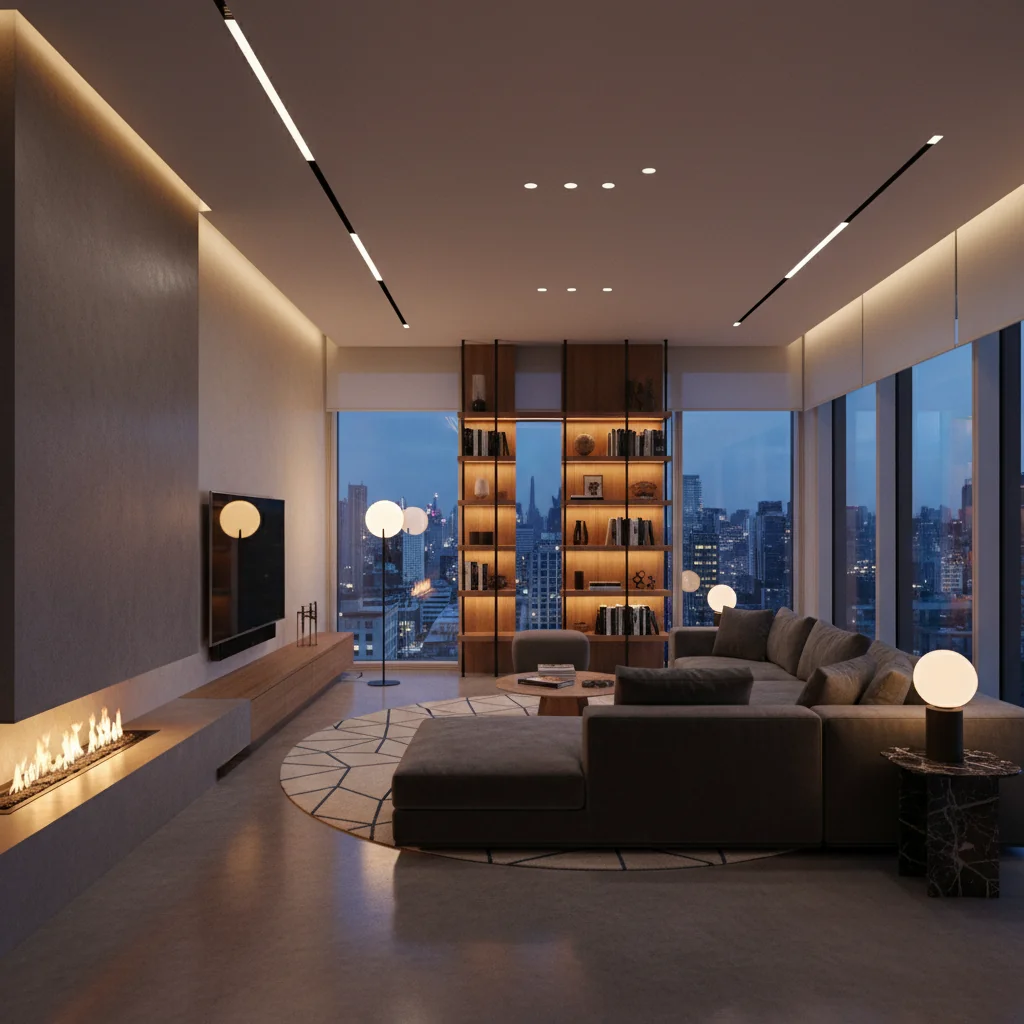
There’s a moment, isn’t there? A subtle shift in the afternoon light, perhaps, or the way a room feels different as dusk settles. It’s in these nuances that a house truly becomes a home, its atmosphere not just a backdrop, but an active participant in our lives. For years, I’ve championed the idea that intelligent design isn't just about aesthetics; it's about crafting spaces that respond to us, that anticipate our needs. And few elements hold more power in shaping a domestic environment than light. When you move beyond the simple on-off switch and delve into the potential of Philips Hue, you’re already stepping into a new realm. But when you marry that brilliance with the comprehensive control of Home Assistant, you’re not just changing a bulb; you're orchestrating an entire living experience.
The Architecture of Light: Why Integrate?
The Philips Hue ecosystem, with its spectrum of bulbs, light strips, and accessories, offers a delightful entry point into the world of smart lighting. Its intuitive app allows for quick color changes, dimming, and even basic scene setting. For many, this level of control is perfectly adequate, transforming a stark room into a cozy haven with a tap. But for the discerning homeowner, the kind who meticulously arranges bookshelves and finds satisfaction in a perfectly brewed cup of tea, "adequate" rarely cuts it. We seek depth, nuance, and truly personalized control.This is where Home Assistant enters the narrative, not as a replacement for the Hue app, but as a powerful conductor for its symphony of light. Think of it: the Hue app is a talented solo musician; Home Assistant is the entire orchestra pit, capable of integrating that musician's performance with every other instrument in your home. The limitations of the native Hue app become apparent when you wish to trigger lighting changes based on complex environmental cues—perhaps a combination of time of day, outdoor light levels, and whether a specific room is occupied. Home Assistant provides the framework to weave these threads together. It allows for advanced automation that transcends simple schedules, enabling your lighting to respond intelligently to your daily rhythm, creating an environment that feels not just smart, but truly intuitive. We're talking about transitioning from manual control to a living space that feels like it breathes with you, a truly refined order that reflects your precise preferences.
Crafting the Canvas: Initial Setup and Configuration
Embarking on the integration of Philips Hue with Home Assistant might sound like a foray into the deeply technical, but I assure you, it’s a remarkably streamlined process. Your Philips Hue Bridge acts as the central hub for your lights, and Home Assistant is designed to discover and communicate with it with minimal fuss. The journey typically begins by ensuring your Home Assistant instance is up and running—a process many of you will have already mastered when setting up other smart devices.Once Home Assistant is accessible, navigate to "Settings" then "Devices & Services." Here, you'll find the "Integrations" section. Home Assistant, with its ever-expanding library, will often auto-discover your Philips Hue Bridge if it's on the same network. If not, a quick search for "Philips Hue" and a click on the "Add Integration" button will prompt the discovery process. It will then ask you to press the physical button on your Hue Bridge—a security measure that confirms you are indeed the rightful owner attempting to link the systems. Once authenticated, Home Assistant pulls in all your configured Hue lights, rooms, and scenes as individual entities. This transformation of your Hue ecosystem into Home Assistant entities is the foundational step, turning basic light sources into programmable elements within your broader smart home fabric. This is where the real magic begins, allowing your lighting to interact with other systems, such as the data collected from your Smart Appliances Worth the Investment: My Experience with the LG InstaView Refrigerator, perhaps changing kitchen lighting based on refrigerator door activity. It’s about building a cohesive, responsive domestic environment.
The Art of Ambience: Advanced Scene Creation
With your Philips Hue lights now under Home Assistant's watchful eye, the palette for advanced scene creation broadens dramatically. Forget the static, pre-set scenes of the Hue app; here, we craft dynamic environments that shift and flow with your life. The power lies in Home Assistant's automation engine, which allows for intricate sequences of triggers, conditions, and actions.Consider the "Morning Wake-Up" scene, for instance. Instead of a jarring alarm, imagine your bedroom lights gently fading in over 20 minutes, mimicking a sunrise. Home Assistant can trigger this not just by time, but by a combination of factors: perhaps only on weekdays, and only if your bedroom motion sensor detects you're still in bed after a certain hour. The actions themselves can be multi-layered: a warm, low-brightness glow initially, transitioning to a brighter, cooler white to encourage alertness. Or picture a "Movie Night" scene: a single button press could dim the main lights to a soft, barely-there backlight, while a light strip behind your television casts a deep, immersive blue, simultaneously initiating your projector and rolling down your smart blinds. You can specify exact color temperatures, brightness levels, and even transition times for each bulb. The sensory impact is profound: the sudden hush of the room as lights dim slowly, the subtle warmth of an amber glow reflecting off wood grain, or the invigorating crispness of daylight white stimulating productivity. This level of precise orchestration transforms mere illumination into an atmospheric embrace, directly responding to your activities. For even greater security and integration, consider how these lighting changes can work in concert with external sensors. For instance, a "Welcome Home" scene could be triggered by your presence, simultaneously disarming your security system and bathing your entryway in a comforting light, a concept further explored in our guide The Ultimate Guide to Smart Home Security Cameras: Arlo Ultra 4K vs. Ring Stick Up Cam.
Beyond the Basic Bulb: Automation & Future-Proofing Your Sanctuary
The true genius of Home Assistant lies not just in its ability to control Philips Hue lights, but in its capacity to weave them into a larger, interconnected tapestry of automation. This is where your home stops being a collection of disparate smart devices and starts functioning as a single, intelligent entity. Imagine your living room lights automatically adjusting their brightness and color temperature throughout the day, dynamically responding to the natural light streaming through your windows, or shifting to a vibrant, energizing hue when your smart scale registers a new personal best.This level of responsive automation requires thoughtful planning and an understanding of how various sensors and data points can inform your lighting decisions. For instance, an automation could be set up where if your smart thermostat detects the heating is on, your lights subtly shift to a warmer, cozier tone. Or, if your calendar indicates a "dinner party" event, your dining room lights could automatically transition to a sophisticated, warm white and then dim gradually as the evening progresses.
I remember distinctly during my time curating the "Future of Functional Homes" exhibit at the Seattle Design Festival, we showcased a concept that demonstrated exactly this kind of layered intelligence. We had a simulated kitchen environment where the task lighting above the counter would not only brighten when motion was detected but would also subtly shift its color temperature based on what the smart oven indicated it was cooking—a cool white for prep, a warmer glow as a dish neared completion, even a gentle red pulse if the oven door was left ajar. It was a tangible example of how light could communicate, assist, and respond without explicit commands, anticipating needs rather than merely fulfilling them. This kind of integration future-proofs your sanctuary, ensuring that your lighting system remains relevant and adaptable as new technologies emerge, constantly refining your carefully curated home environment.
Bringing Philips Hue into the Home Assistant ecosystem is more than a technical upgrade; it's an intentional design choice. It's for those who appreciate the subtle power of environment, who understand that the quality of light can dictate mood, productivity, and even the perceived comfort of a space. While the native Hue app offers convenience, Home Assistant provides the depth, the granularity, and the almost limitless potential for customization that transforms mere illumination into a truly intelligent, responsive, and deeply personal experience. The initial setup might require a bit more attention than simply screwing in a smart bulb, but the payoff is a home that truly understands and adapts to your rhythm. For the discerning homeowner seeking elegant solutions and a beautifully functional living space, this integration moves beyond mere smartness into genuine domestic artistry. It’s a commitment to creating a sanctuary where every flicker, every glow, serves a purpose and enhances life. SCORE: 9.3/10
Key Facts
| Integration Method | Local API through Philips Hue Bridge |
| Supported Devices | All Philips Hue bulbs, light strips, and accessories |
| Automation Triggers | Time, Motion, Occupancy, Ambient Light, Door/Window Sensors, Calendar Events, Device State, Weather |
| Scene Customization | Color (RGB/Hex), Color Temperature (Kelvin), Brightness (0-255), Transition Duration (seconds), Effects (e.g., flash, breathe) |
| Learning Curve (Advanced Scenes) | Moderate (requires understanding of Home Assistant automations and YAML or UI editor) |
| Home Assistant Host Compatibility | Raspberry Pi, Mini PCs, Virtual Machines, Docker |
| Community Support | Extensive Home Assistant forums and documentation |
| Energy Savings Potential | Significant (via intelligent presence detection and scheduled dimming) |