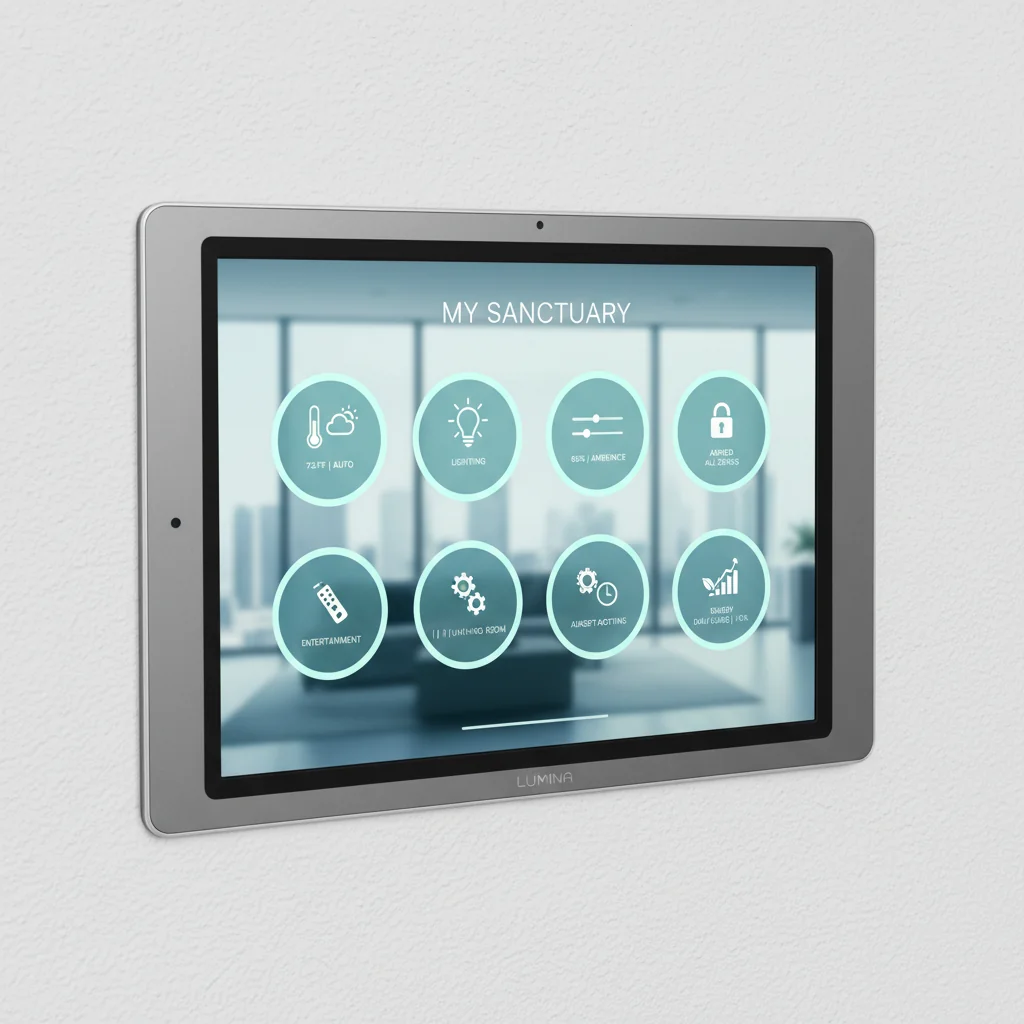
The soft, persistent glow of a smartphone screen, reflecting countless app icons, each dedicated to a single smart device. The faint echo of a frustrated sigh as you swipe through pages, searching for the right icon to adjust the living room lights, then another for the thermostat, and yet another for the security camera feed. This fractured digital landscape is a common scene in many modern homes, a paradox where "smart" technology often adds layers of complexity rather than simplification. My own journey into functional design taught me early on that true intelligence in a living space lies in seamless integration, not a scattered collection of gadgets. The promise of a unified smart home, where every device dances to the same tune, often remains just that – a promise. But what if there was an elegant, DIY path to centralizing control, transforming that digital clutter into a truly cohesive, responsive system?
## The Digital Cacophony: When "Smart" Feels Disconnected
When I first started obsessing over every square inch of my small city apartment, transforming it from a mere dwelling into a finely tuned urban sanctuary, the nascent world of smart home technology was a fascinating, albeit often frustrating, frontier. I remember the thrill of installing my first smart bulb, then a smart plug, followed by a thermostat – each promising a sliver of convenience. Yet, as the collection grew, so did the digital clutter on my phone. An app for the lights, another for the blinds, a separate portal for the thermostat, and a completely different ecosystem for the security cameras. It felt less like a symphony of automation and more like a cacophony of disconnected solos, each demanding its own conductor.
This fragmentation is more than just an annoyance; it's a fundamental breakdown in functional design. A truly intelligent home should anticipate needs, respond intuitively, and, above all, simplify life. Fumbling through a dozen apps to set a "Goodnight" scene negates the very essence of convenience. It creates friction, interrupting the flow of daily life and adding unnecessary cognitive load. For the discerning homeowner seeking elegant solutions, this disjointed experience simply doesn't meet the mark. We expect our spaces to reflect order, and that extends to the digital infrastructure that underpins our comfort and security. The core issue isn't the devices themselves, many of which are brilliant in isolation, but their inability to communicate effectively within a unified framework. We're left with a collection of powerful tools, but no central workbench to manage them all.
## Homebridge: The Unsung Interpreter of Your Connected Home
Imagine a universal translator for your smart devices, a quiet, unassuming architect working diligently behind the scenes to bring disparate technologies into a harmonious conversation. That, in essence, is Homebridge. This open-source software project acts as a lightweight server, typically running on a small, low-power computer like a Raspberry Pi, that emulates the Apple HomeKit API. Its brilliance lies in its ability to trick non-HomeKit compatible devices into thinking they are native HomeKit accessories. This means your Ring doorbell, Nest thermostat, or even generic Wi-Fi smart plugs that would otherwise require their own proprietary apps can suddenly appear and be controlled within Apple's Home app alongside your Philips Hue lights or ecobee thermostat.
My fascination with such ingenious integrations truly solidified during my tenure as a contributing editor for *Domicile & Design*, particularly when I spearheaded the "Clever Living" column. We often featured innovative tech solutions, but the true challenge was always finding ways to make them cohesive and accessible. Homebridge quickly became a favorite because it offered a tangible solution to the "walled garden" problem prevalent in smart home ecosystems. It wasn't about buying all new, expensive HomeKit-certified gear; it was about getting more out of the devices you already owned, extending their lifespan, and reducing waste. The hum of a small Raspberry Pi, tucked away unobtrusively, becoming the central brain for an entire home, always struck me as a beautifully pragmatic example of intelligent design. It’s a testament to the power of community-driven development, providing a flexible, budget-friendly pathway to a truly integrated system where the homeowner remains firmly in control.
## Building Your Command Center: Laying the Homebridge Foundation
Embarking on the Homebridge journey might sound like a task reserved for seasoned tech enthusiasts, but I assure you, it's a highly approachable DIY project for anyone with a modicum of patience and a willingness to follow clear instructions. Think of it less as complex coding and more like assembling a sophisticated piece of flat-pack furniture – each step meticulously documented, leading to a satisfyingly functional outcome.
The first step usually involves acquiring a suitable host for Homebridge. While more powerful machines can certainly run it, a Raspberry Pi 3B+ or 4 is the popular choice, celebrated for its energy efficiency and compact size. Once you have your hardware, the process begins with installing a stable operating system (Raspberry Pi OS Lite is excellent for this, as it's streamlined) and then Node.js, the runtime environment Homebridge needs to operate. The Homebridge project website provides incredibly detailed, step-by-step guides for installation, making it surprisingly straightforward even for those new to command-line interfaces. My advice? Read through the entire guide once before you begin, gather all your materials, and approach it like a well-structured project plan.
Once Homebridge itself is running, the real magic begins with plugins. These are community-developed extensions that allow Homebridge to communicate with specific brands or types of devices. Whether you have an Arlo camera, a Sonos speaker, or a collection of smart labels you've set up with QR codes in your storage room, chances are there's a plugin for it. Simply search the Homebridge UI (a web-based interface that makes management incredibly user-friendly) for your device, install the relevant plugin, and follow its configuration instructions. This is where the Homebridge smart home dashboard truly comes alive, as each plugin brings new capabilities into your unified HomeKit environment. It’s a process of thoughtful integration, building layer by layer, until your digital haven truly reflects the functional design principles we champion at The Organized Abode. For instance, imagine scanning a QR code on a storage box and instantly seeing its contents listed on your dashboard, just as you'd control your lights. This convergence of physical and digital organization creates a truly streamlined existence. For more on this, consider exploring From Chaos to Calm: How Smart Labels and QR Codes Transformed My Storage Room.
## Refining Your Digital Haven: Automations and Aesthetics
With your devices now integrated into HomeKit via Homebridge, the canvas for creating a truly intelligent home is laid bare. This is where functional design shifts from mere connectivity to strategic orchestration. The Home app, or any third-party HomeKit dashboard, becomes your central command. Start by assigning each device to its appropriate room. This simple act of digital decluttering instantly transforms a confusing list of devices into an intuitive spatial representation of your home. The visual clarity alone brings a sense of calm and control, much like the satisfaction of a perfectly organized bookshelf.
Next, explore the power of scenes and automations. A "Morning Routine" scene, for example, can simultaneously brighten the bedroom lights to a soft glow, raise the blinds, and adjust your smart thermostat to a comfortable temperature, all with a single command or on a schedule. This is where the pragmatic approach to design truly shines – anticipating your needs and making your home responsive. Perhaps you want your exterior lights to activate at dusk and deactivate at dawn, or your entryway camera to begin recording when the front door sensor detects movement while you're away. These automations, powered by Homebridge's integration, transform your house from a collection of parts into a living, breathing system that supports your lifestyle. Whether you're integrating an Ecobee or a Nest, understanding how these devices fit into a broader automated scheme is crucial. If you're still weighing your options for climate control, you might find our comparison helpful: Which Smart Thermostat is Right for You? Ecobee SmartThermostat vs. Nest Learning Thermostat.
Don't overlook the aesthetic dimension of your digital dashboard either. While much of HomeKit is visually consistent, thoughtful naming of devices and scenes enhances usability. Instead of "Living Room Light 1," opt for "Reading Lamp" or "Accent Light." A well-designed dashboard is one that you instinctively understand and enjoy interacting with, a digital reflection of the curated physical spaces we strive for. Finally, remember that ongoing maintenance is key. Regularly update Homebridge and its plugins to ensure security and compatibility. This isn't just about keeping things running; it's about continuously refining your home's intelligence, ensuring your digital haven remains a place of order and elegance.
## The Cohesion Achieved: A Final Verdict on Homebridge
The journey to a truly smart home, where technology serves to simplify and enhance, often feels like navigating a labyrinth of proprietary systems and conflicting protocols. Homebridge emerges as a remarkably elegant and accessible solution for those seeking to unify their disparate devices under a single, intuitive control panel. It may demand a small initial investment in hardware and a willingness to engage with a few technical steps, but the payoff is substantial: a cohesive smart home dashboard that declutters your digital life, optimizes your living space, and empowers you with unparalleled control.
For anyone who has ever felt the frustration of fumbling through multiple apps or dreamt of a home that truly listens and responds as one, Homebridge offers a pragmatic, budget-friendly pathway. It transforms what could be a jumble of gadgets into a carefully orchestrated system, embodying the very essence of functional design. The control it grants, the peace of mind it fosters, and the sheer satisfaction of witnessing your entire home respond to a single command or automation is a testament to its value. It's not merely a piece of software; it's an enabler of refined order.
SCORE: 8.9/10
[KEY_FACTS] { "Core Function": "Bridges non-HomeKit devices to Apple HomeKit", "Typical Host Device": "Raspberry Pi (3B+, 4 recommended)", "Primary Interface": "Apple Home App (on iOS/iPadOS/macOS)", "Key Benefit": "Device interoperability and single control interface", "Installation Difficulty": "Moderate (beginner-friendly with guides)", "Cost Implication": "Low (host device + time, leverages existing tech)", "Community Support": "Extensive (plugins, forums, documentation)", "Maintenance": "Regular updates for Homebridge & plugins"
Key Facts
| Core Function | Bridges non-HomeKit devices to Apple HomeKit |
| Typical Host Device | Raspberry Pi (3B+, 4 recommended) |
| Primary Interface | Apple Home App (on iOS/iPadOS/macOS) |
| Key Benefit | Device interoperability and single control interface |
| Installation Difficulty | Moderate (beginner-friendly with guides) |
| Cost Implication | Low (host device + time, leverages existing tech) |
| Community Support | Extensive (plugins, forums, documentation) |
| Maintenance | Regular updates for Homebridge & plugins |